Update Barcode Values
If you define a new barcode for your Business Central or if you make changes to an already defined barcode on the setup page, you need to update existing barcodes or create new one for the defined format. This task can be time-consuming if you do it manually. We have added a button which allows you to update the barcode values globally.
To generate barcodes or replace already existing barcodes with batch processing, proceed as follows:
- Search for Barcode Setup and click on the corresponding search result.
- The Barcode Setup page is displayed.
- In the Specifications tab, click Update Barcode Values.

- A dialog is displayed aksing you if you want to update the barcode values.
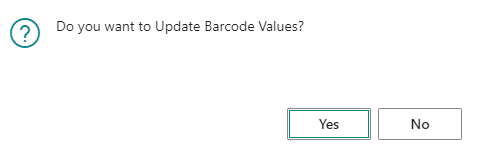
- Click Yes.
- Another dialog is displayed. You are asked if you want to update only existing barcodes.
- If you want to update the existing barcodes, click Yes.
The barcodes are generated by the API and will be replaced by the extension.