Show File Preview
Beyond Cloud Connector allows you to preview files stored in the cloud storage.
Note
User permissions required
The File Preview Enabled setting on the Cloud Connector User Setup page controls the file preview below the Dropzone for the corresponding tables. If the user does not have the permissions (Dropzone Enabled and File Preview Enabled), neither the Dropzone nor the file preview will be displayed to the user.
Follow the steps below to preview a file stored in the cloud storage:
- Click the file name in the Dropzone.
- A reduced preview of the file is displayed in the info box area under the File Preview tab.
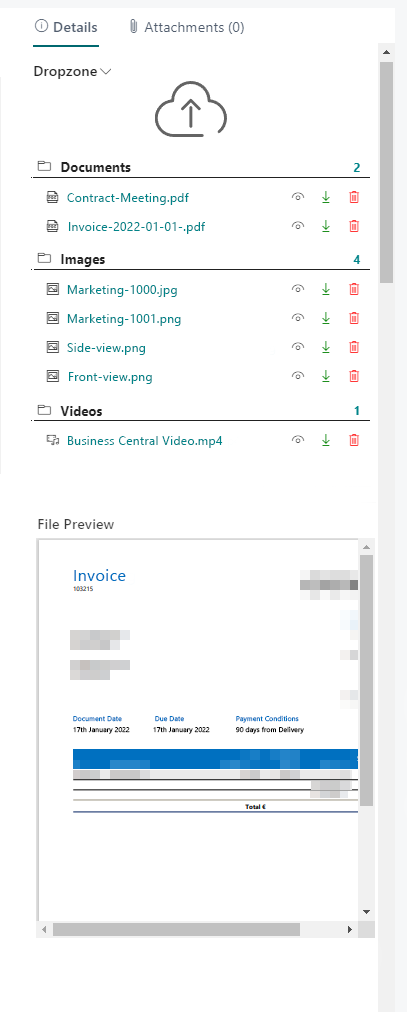
- If you want to see a larger preview of the file, click the eye icon next to the file in the Dropzone.
- The file view opens. In this file view, you can view the files stored in the cloud storage - without leaving Business Central.
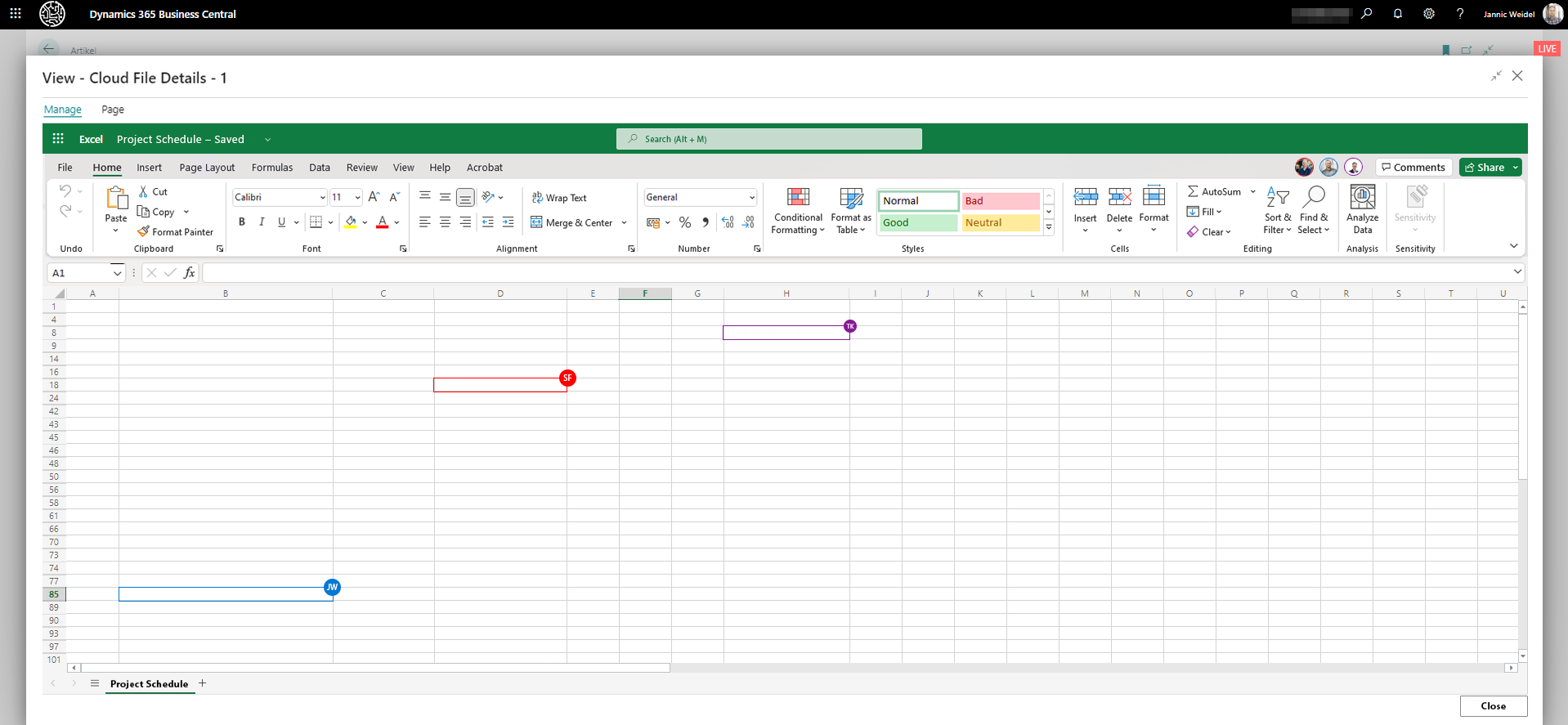
File preview allows handling files within Business Central (with multiple people), playing video files and editing PDF documents.
Beyond Cloud Connector offers a wide range of functions for editing files. All of these functions can be performed in the file preview (eye icon). Below is an overview, sorted by file type, of the functions you can perform on files stored in the cloud within the file preview via Business Central:
| File Type | Feature/s for File Handling |
|---|---|
| PDF Files (.pdf) |
• Rotate pages • Add text • Highlight text • Draw objects • Revert changes • Save changes • Read Aloud |
|
Excel Files Word Files PowerPoint Files OneNote Files (.xlsx, .docx, .pptx, .one) |
• Work simultaneously with other employees on a file in and outside of Business Central in real time |
|
Video Files (.mpg, .mpeg, .mp4, .avi, .wmv, .mov, .flv, .webm, …) |
Playback with different options: • Play in fullscreen mode • Play in picture-in-picture • Change playback speed • Change volume |
Note
Merge PDF files
In addition to the above mentioned functions for the preview, Beyond Cloud Connector also allows you to merge multiple PDF files into one PDF file. For more information, see the chapter Merge PDF files.